Brightfox Support
Appearance
Properties
Add a Property
Click on the + icon in the top right corner.
Fill out the basic details of the new Property, including the Property Name, Stage, Occupation, Territory and Address.
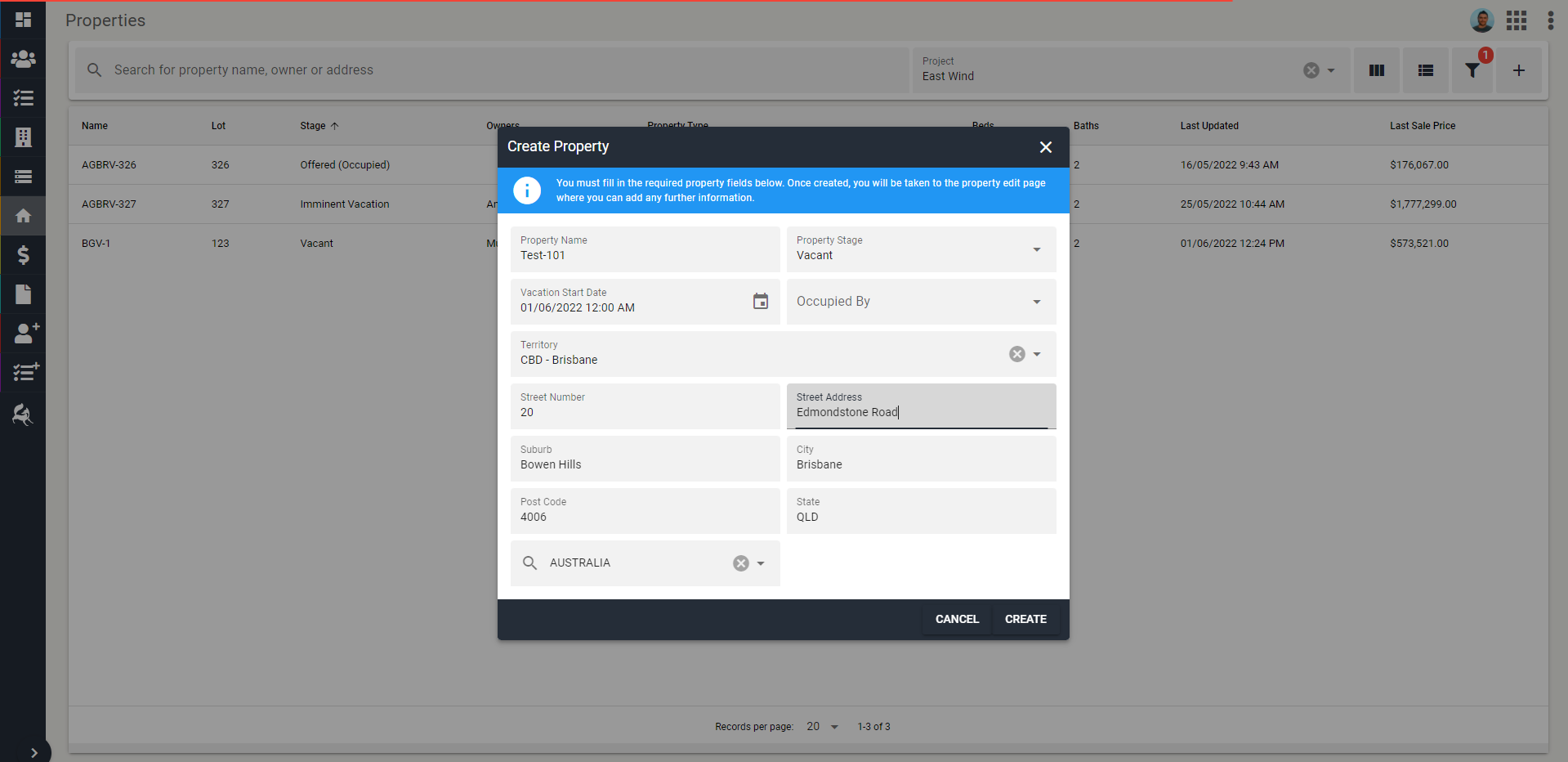
Click Create.
Property is now created. You can access the Property and update its details.
Create a Listing from a Property
Open the Property you would like to create a listing for.
Click on the tab labelled Listings.
Click on the + icon in the right corner of the listings tab.
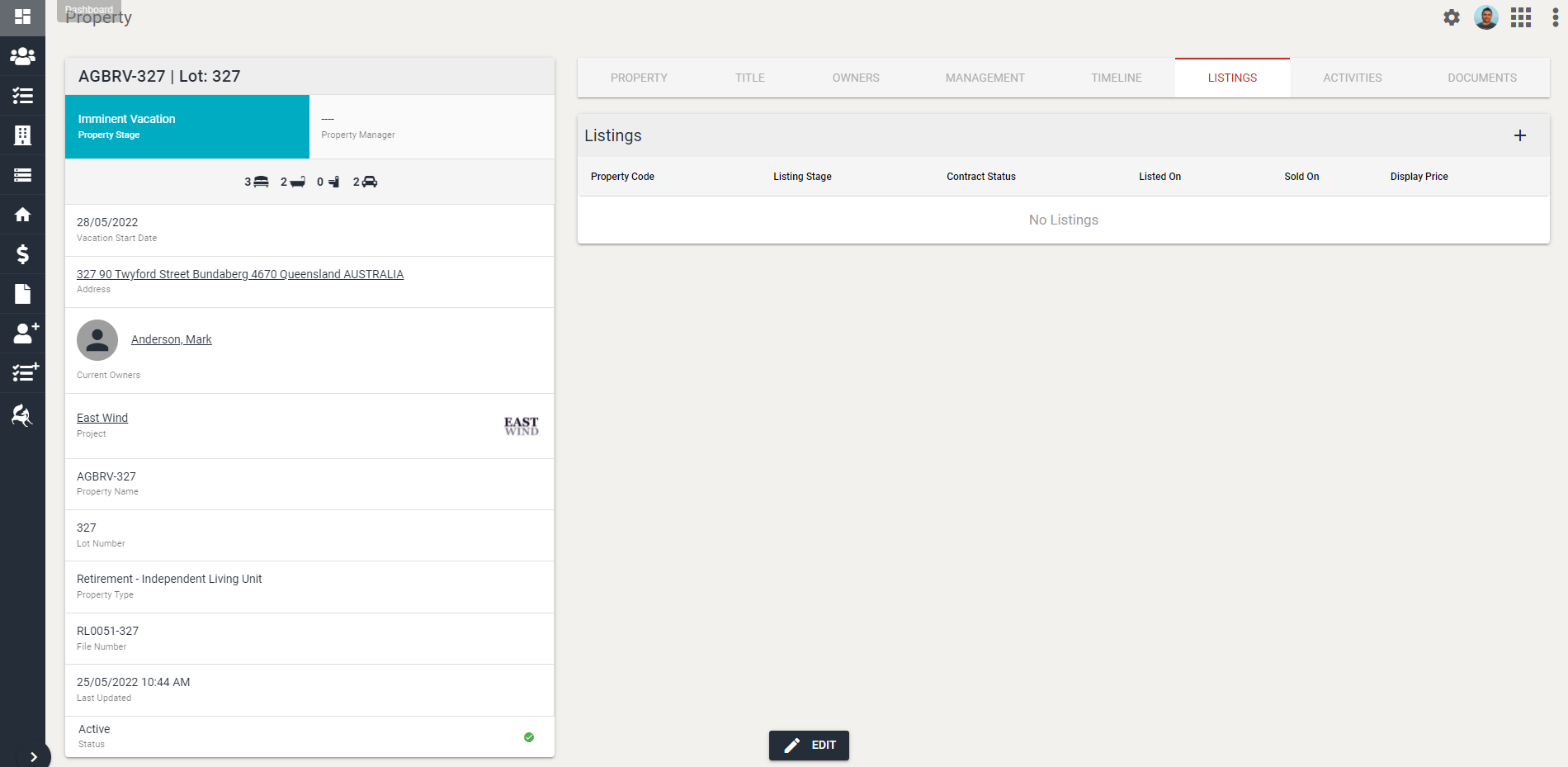
- Fill in the relevant details within the pop-up box that opens up, including the Listing Code, Salesperson 1, Listing Price, Sales Title and Sales Summary.
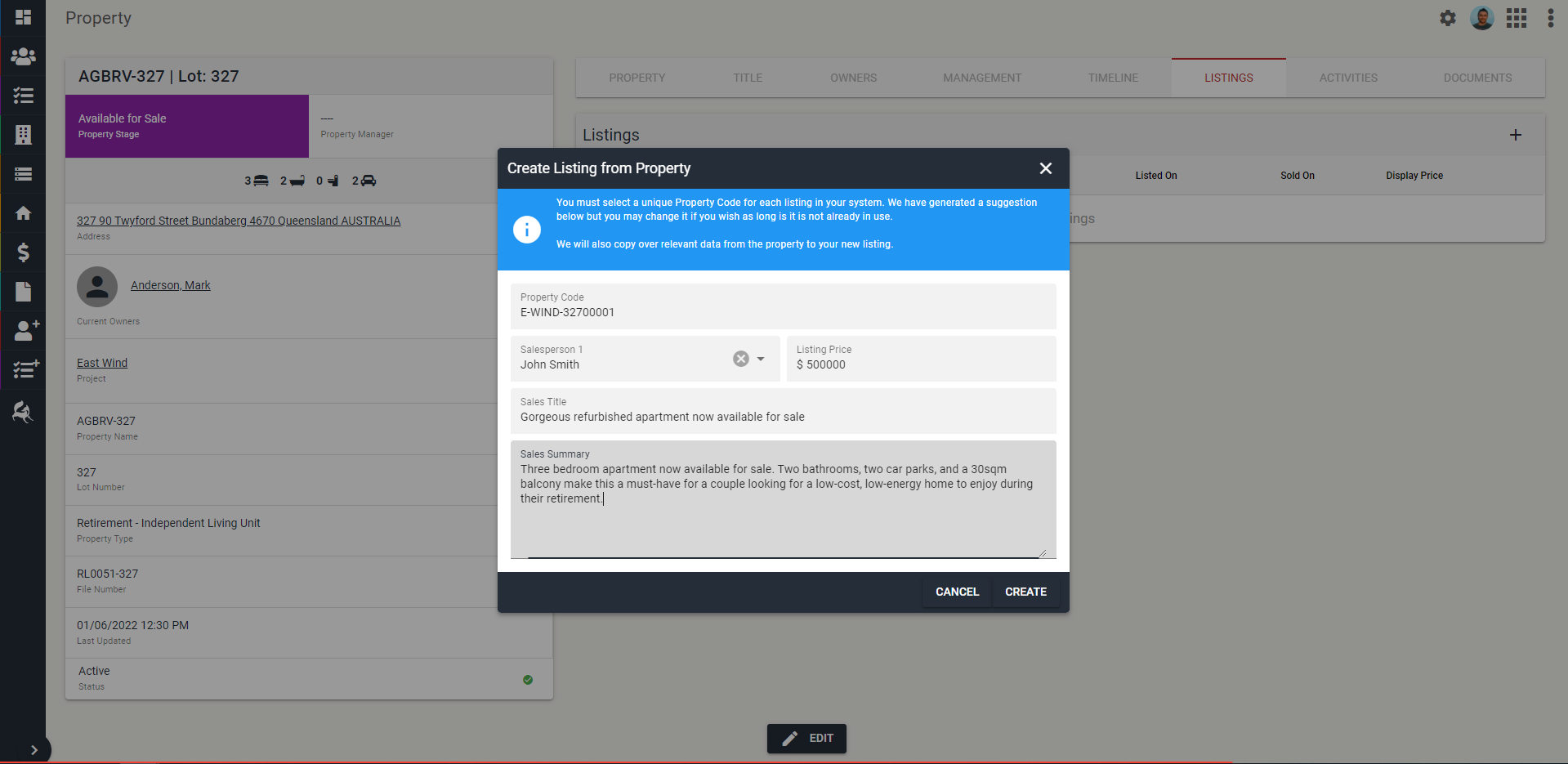
Click Create.
The system will take you through to the Listing edit page. All relevant details in the 'Property' will be pulled across into the 'Listing', so you will only need to go in and update any information that is related specifically to the listing.
Once you are happy, click Save.
Edit a Property
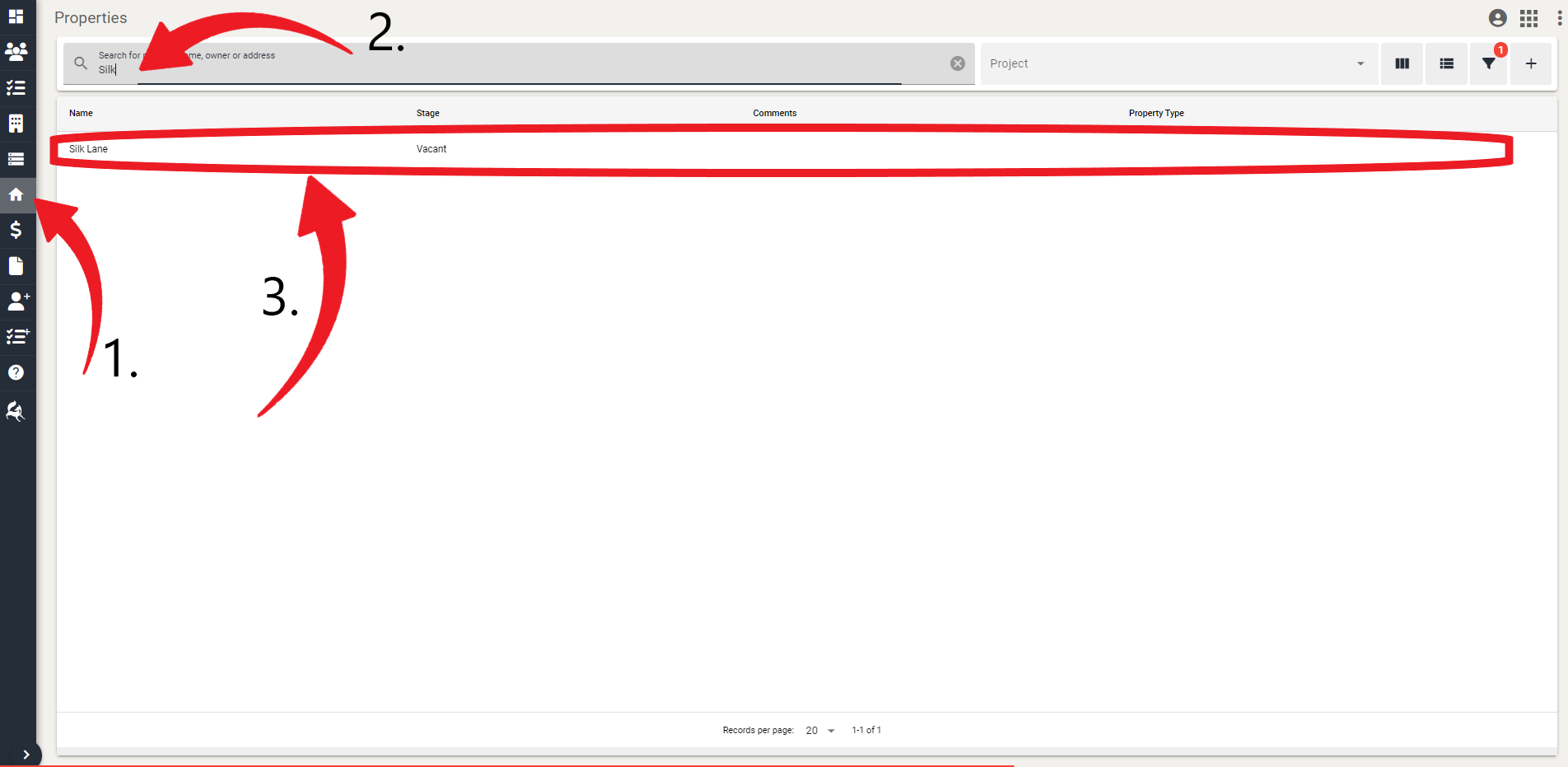
Navigate to Properties tab.
Locate or search for the property you want to edit.
Click on the property.
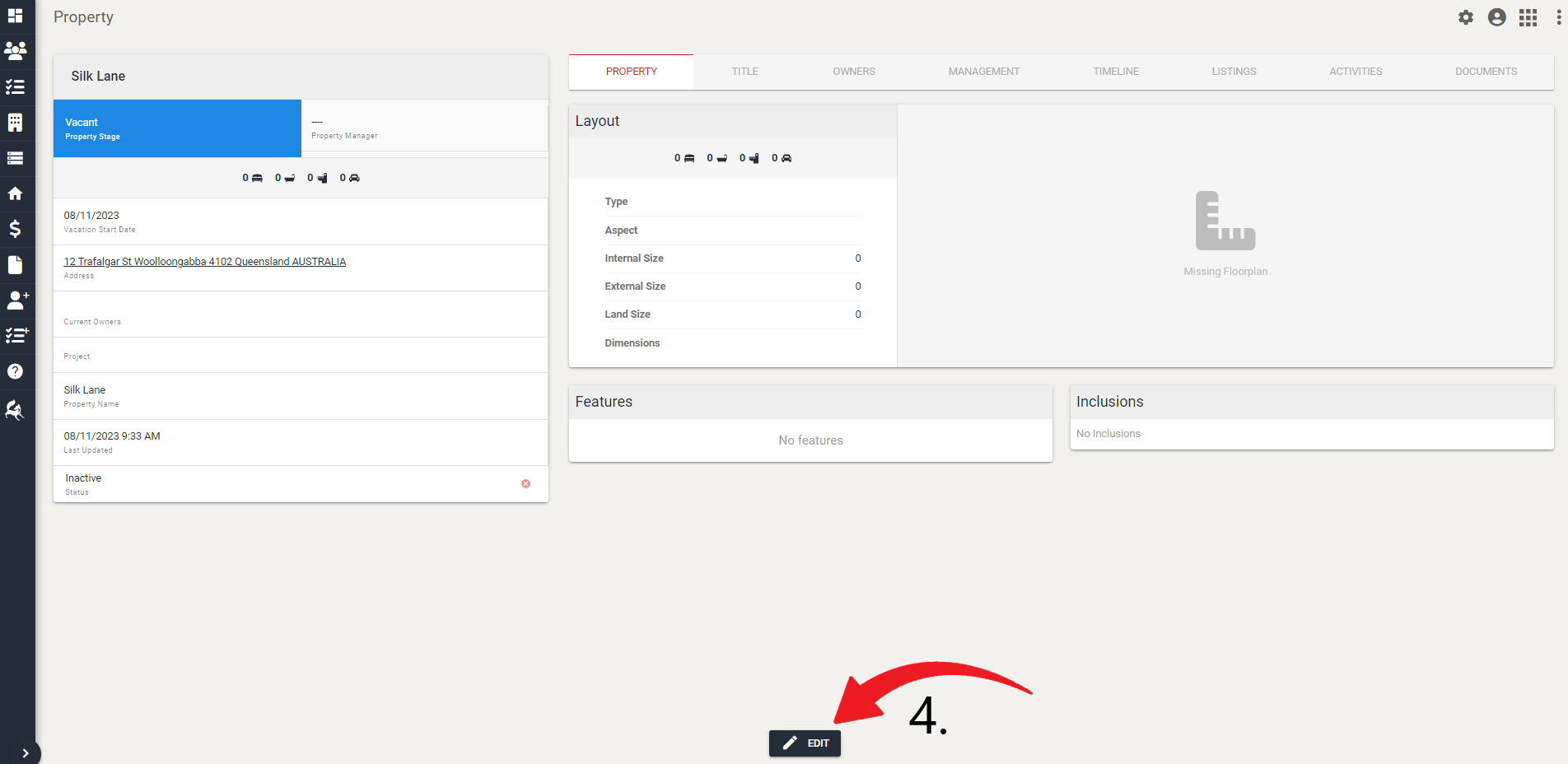
- Click Edit.
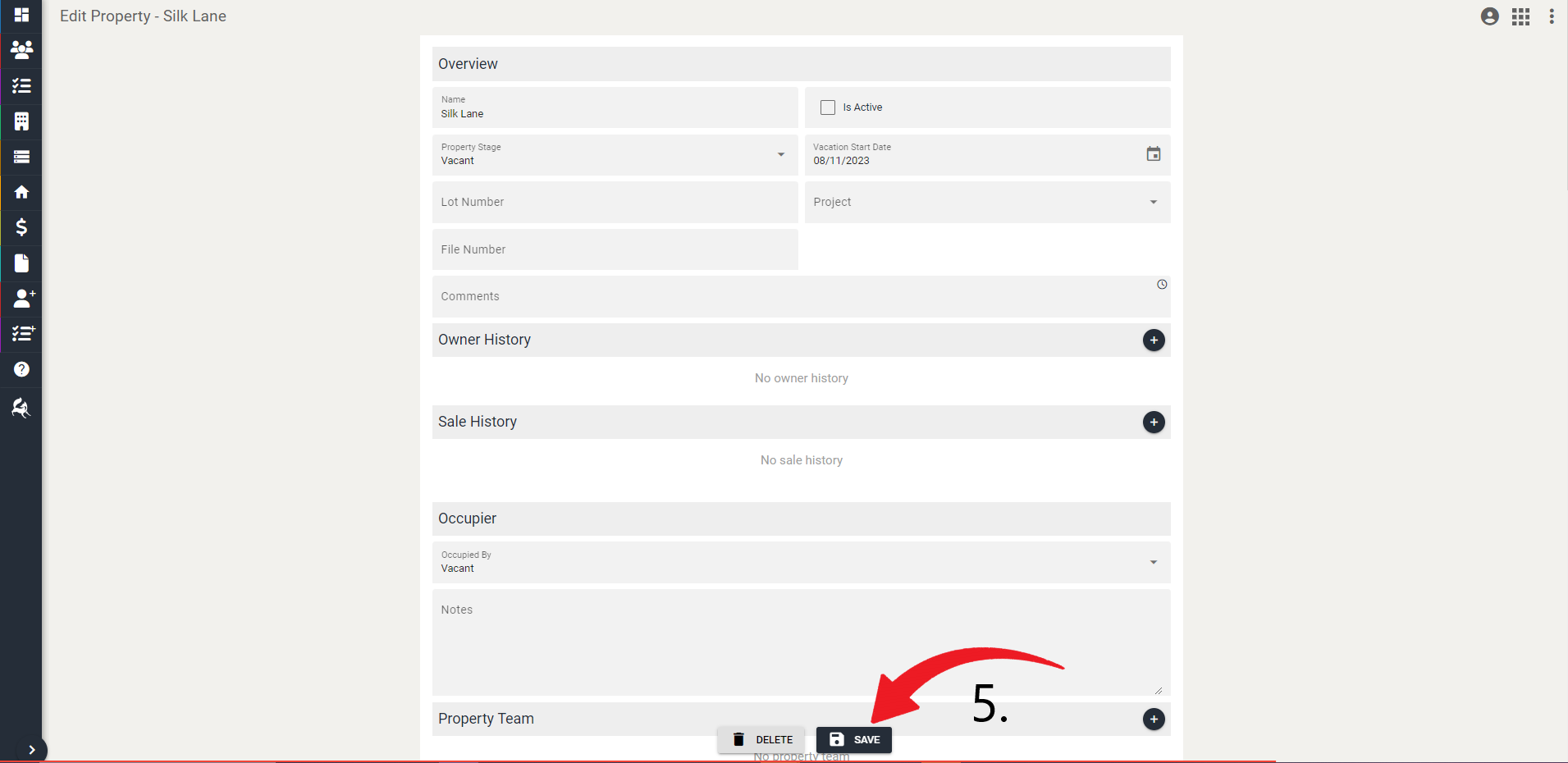
- Edit the relevant details and click Save.
Delete a Property
Navigate to Properties tab.
Locate or search for the property you want to delete.
Click on the property.
- Click Edit.
- Click Delete.
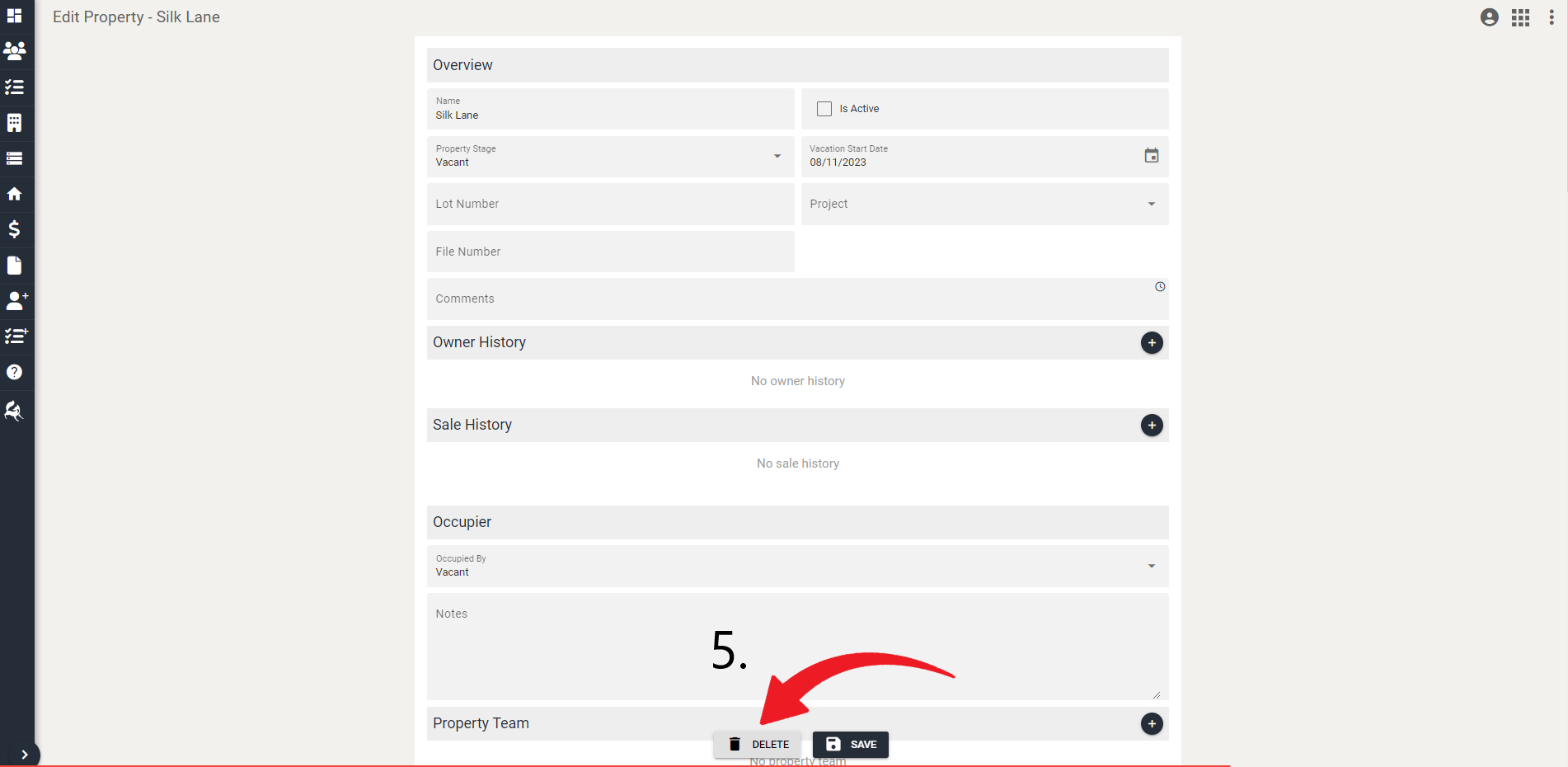
- You will be asked to confirm this action and click Delete again.