Brightfox Support
Appearance
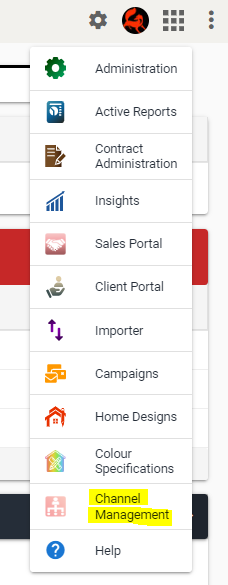
Channel Management
This page gives an overview of Channel Management for Sales Portals. Channel Management allows users to easily manage and allocate their external and internal Sales Portal Agents. With this functionality, users can create external and internal Sales Portal accounts, allocate Projects and Listings to their agents and view current allocations at a glance.
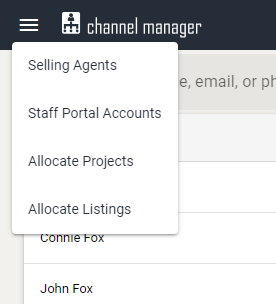
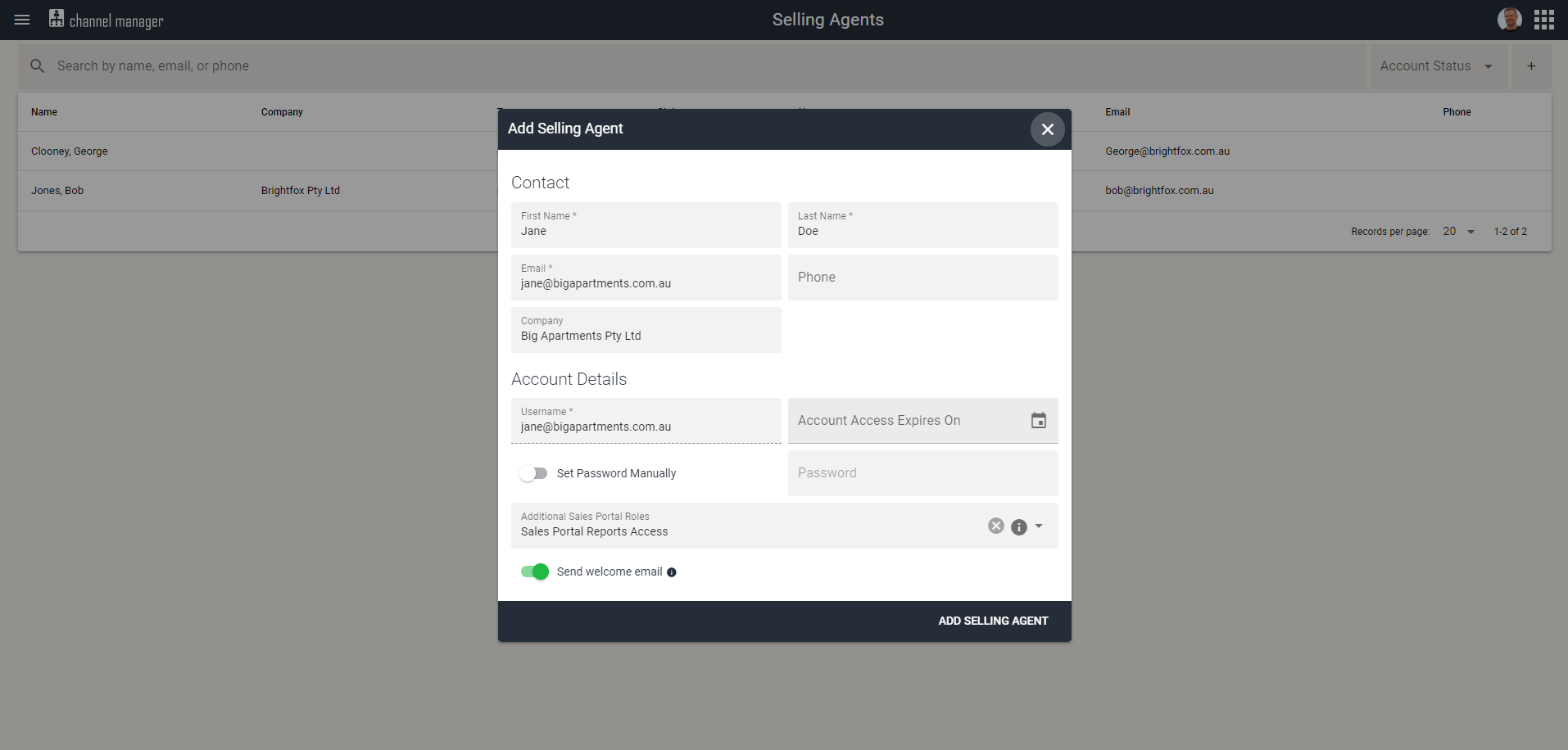
Creating a Sales Portal User Account
External Agents can be granted additional permission for Reports access, while Internal Agents can be granted Admin, Manager or Reports access.
Opting to send them a Welcome Email will include their login credentials and a direct link to your Sales Portal.
External Agent
Internal Agent
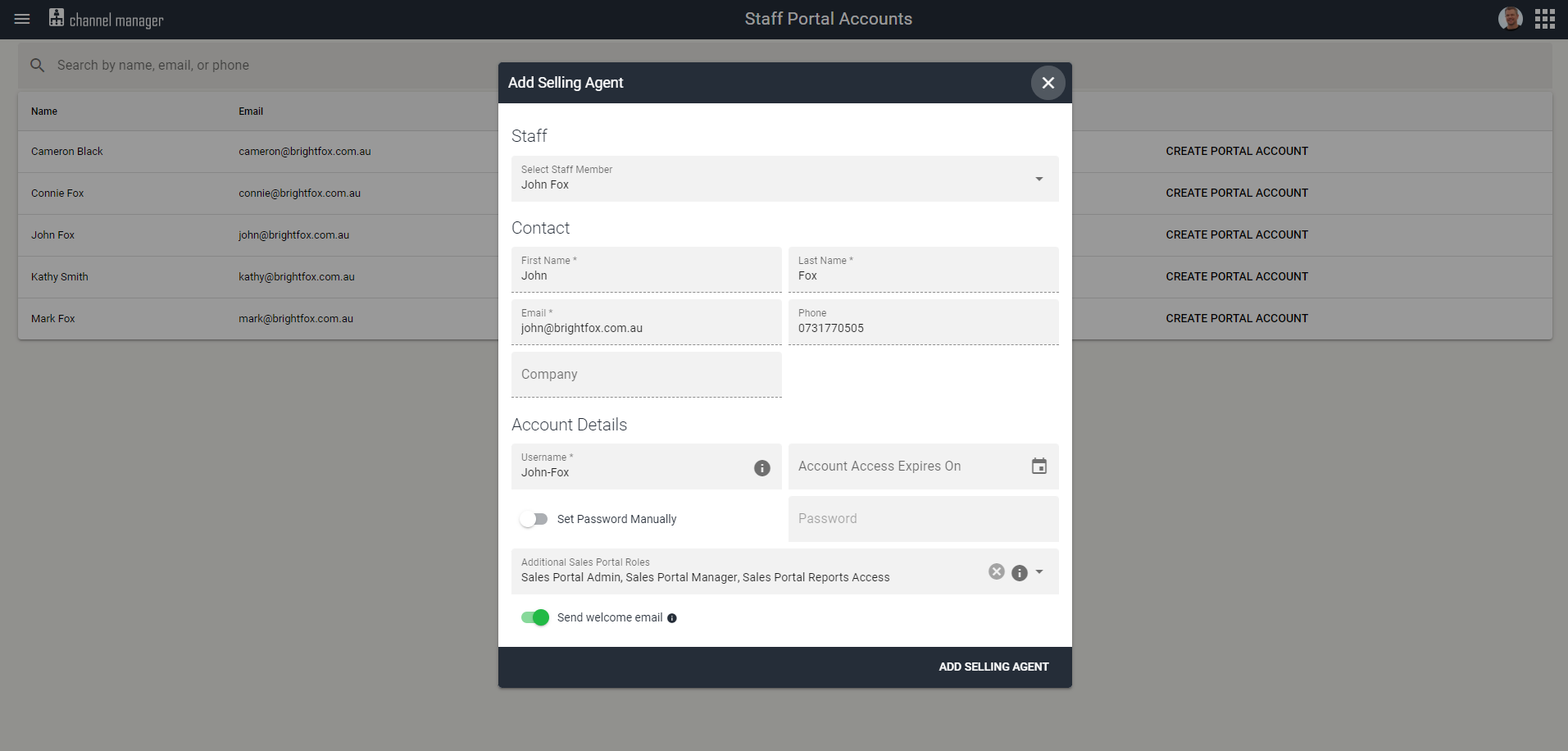
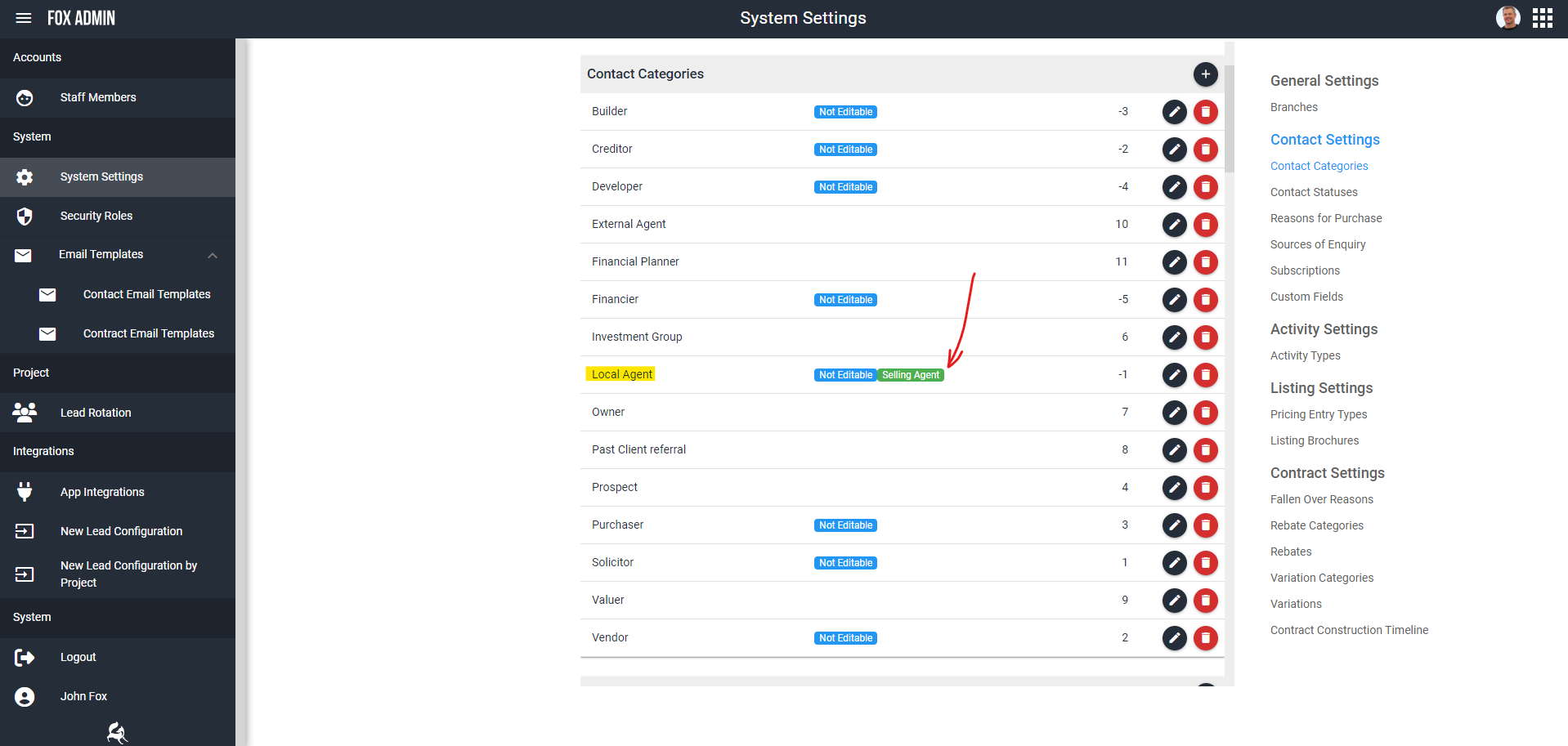
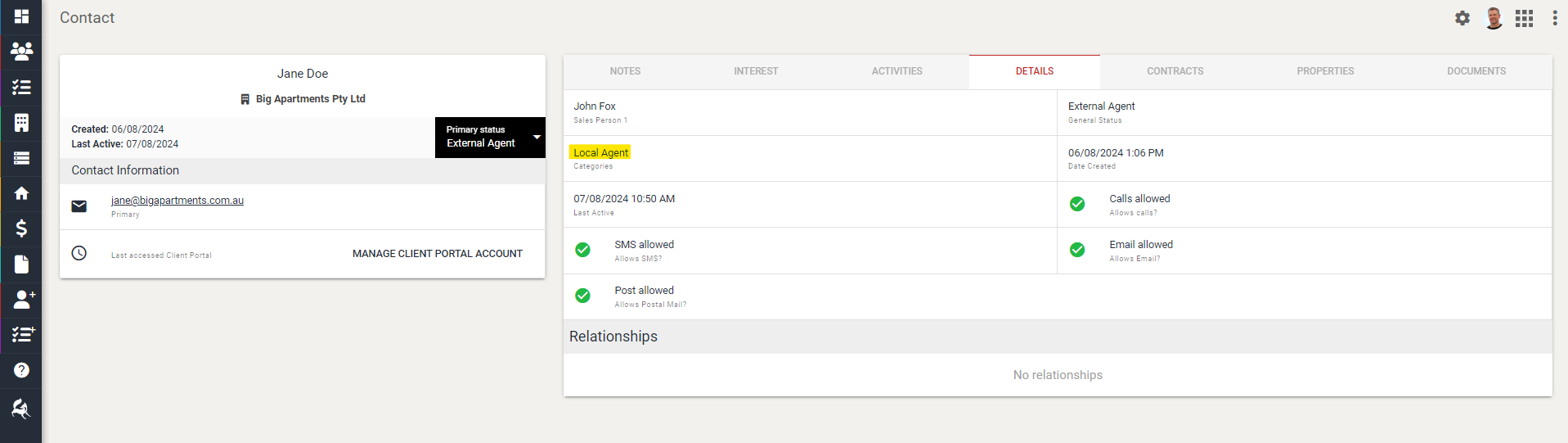
Creating an External Selling Agent account will also automatically create a Contact profile for them. They will by default have a new Contact Category assigned; Local Agent.
You can create multiple Selling Agent Contact Categories, as long as you toggle ‘Selling Agent’ so SalesCRM knows that this contact has access to your Sales Portal.
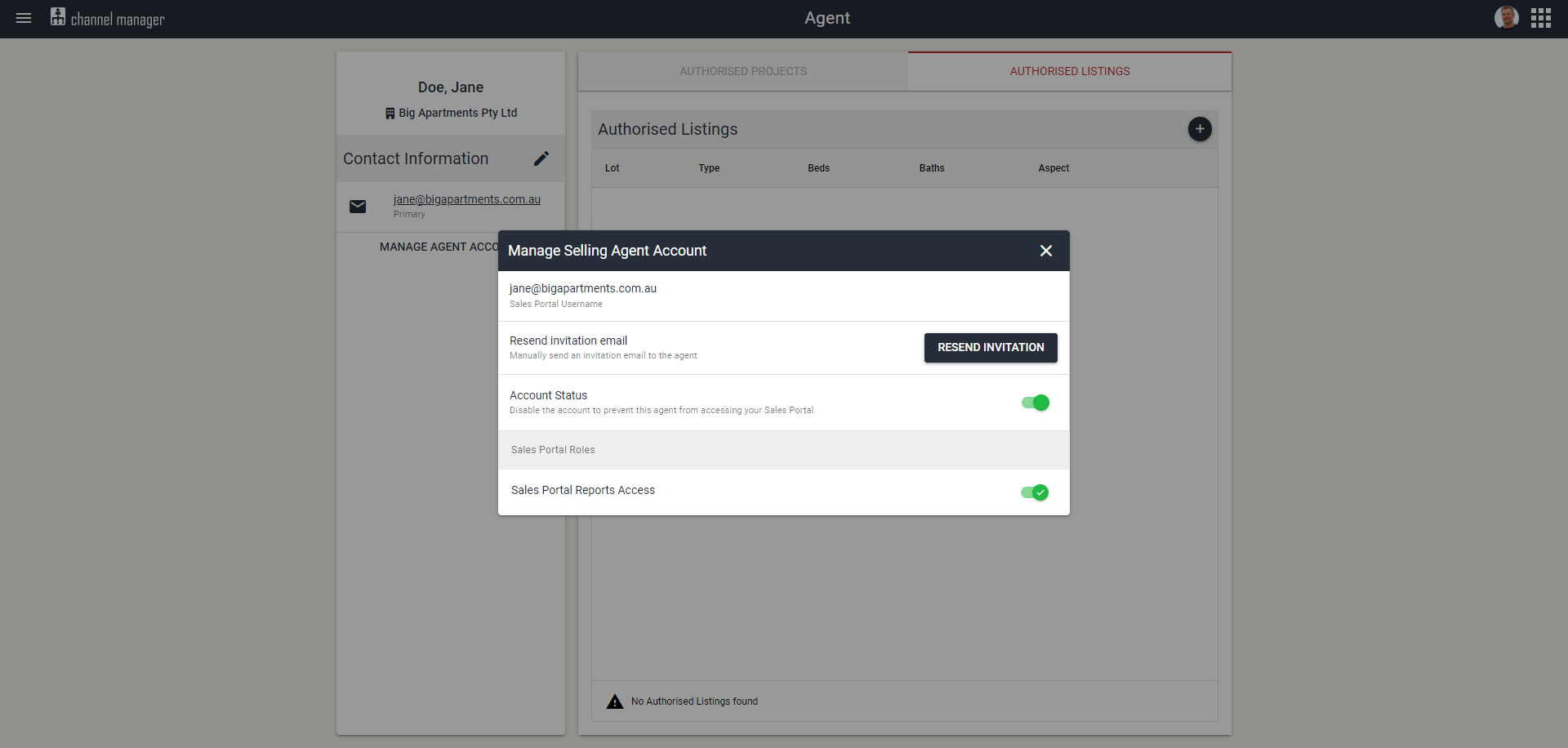
Once the Selling Agent profile has been created, there are additional settings you can manage on their profile.
- Resend their invitation in case they lost their initial Welcome Email
- Disable their account to revoke access
- Manage their additional Sales Portal permissions (internal agents have additional permissions)
Project and Listing Allocation
Internal Agents Project and Listing allocation are dictated by their SalesCRM permissions, but can also be allocated to additional Projects and Listings in the Sales Portal.
There are multiple ways you can allocate Projects and Listings to your External and Internal Selling Agents.
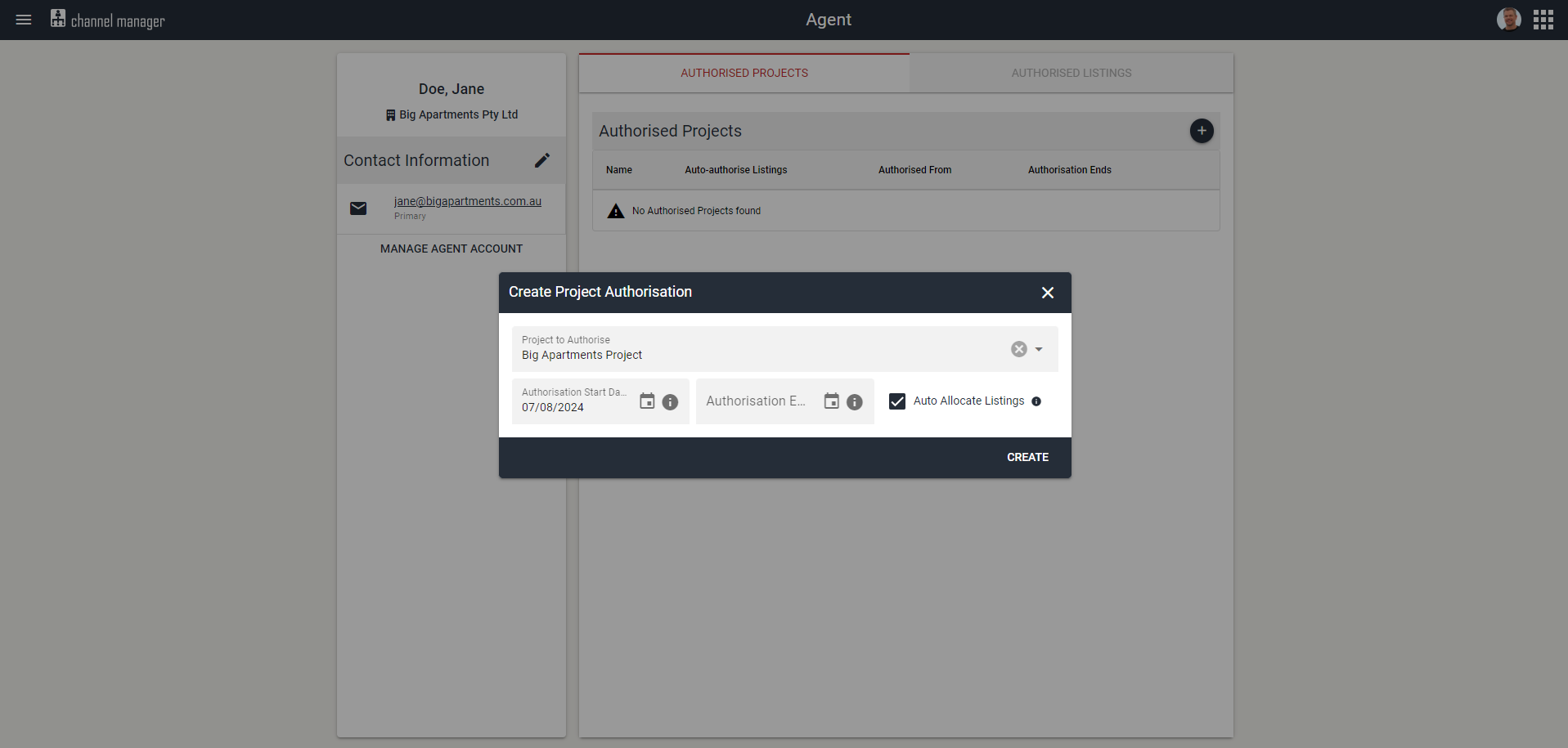
1. Auto-Allocate Listings per Project
The new Channel Management module features an Auto-Allocate Listing functionality. When opting for this, all future Listings that are created for a Project, the listings will automatically be allocated to that Selling Agent, which can save you lots of time.
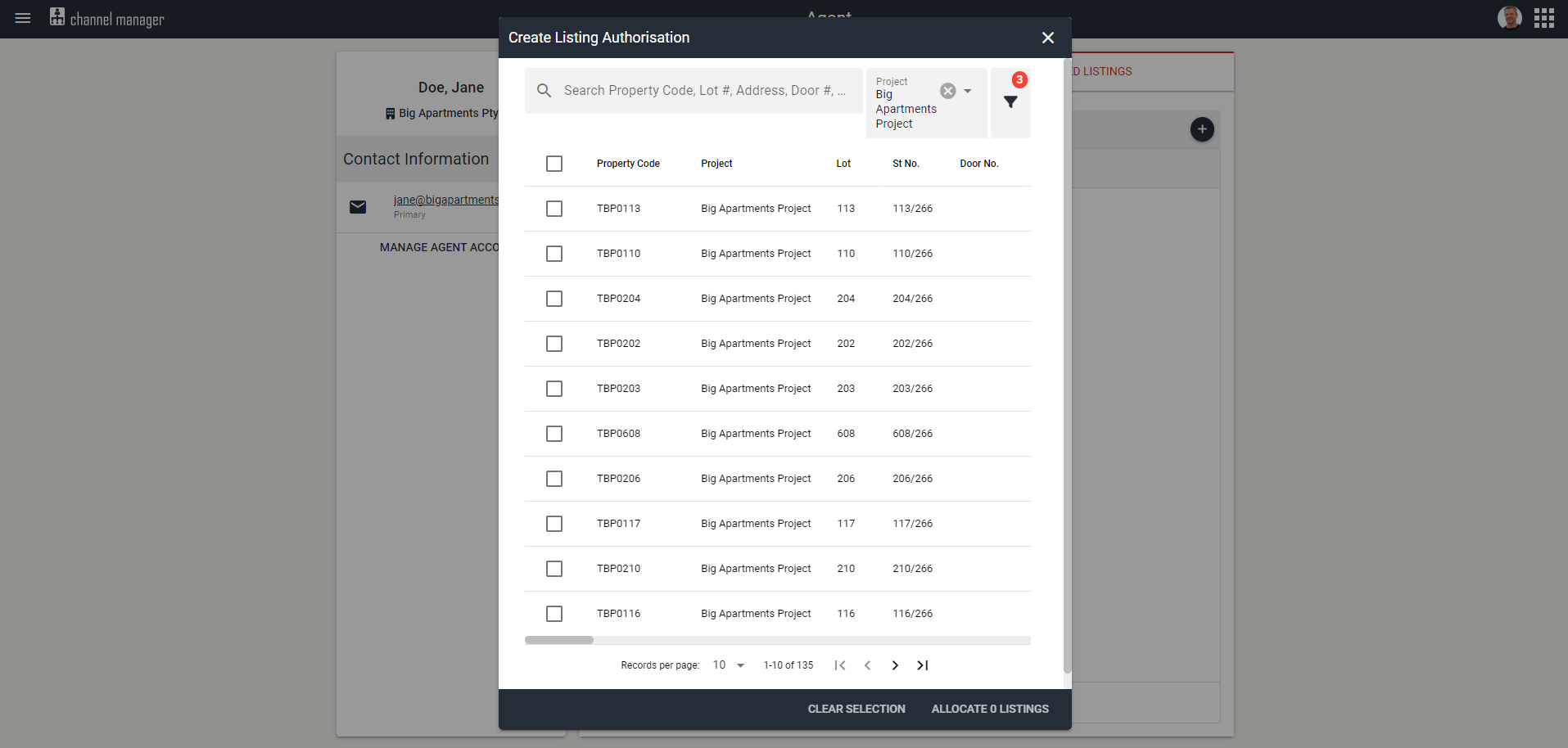
2. Manually allocate Listings from a list
You can do this by using filters to narrow down your listing results (i.e. Project, Stage, Price)
3. Bulk Allocate Projects and Listings
This is useful if allocating the same set of Projects and Listings to multiple Selling Agents.
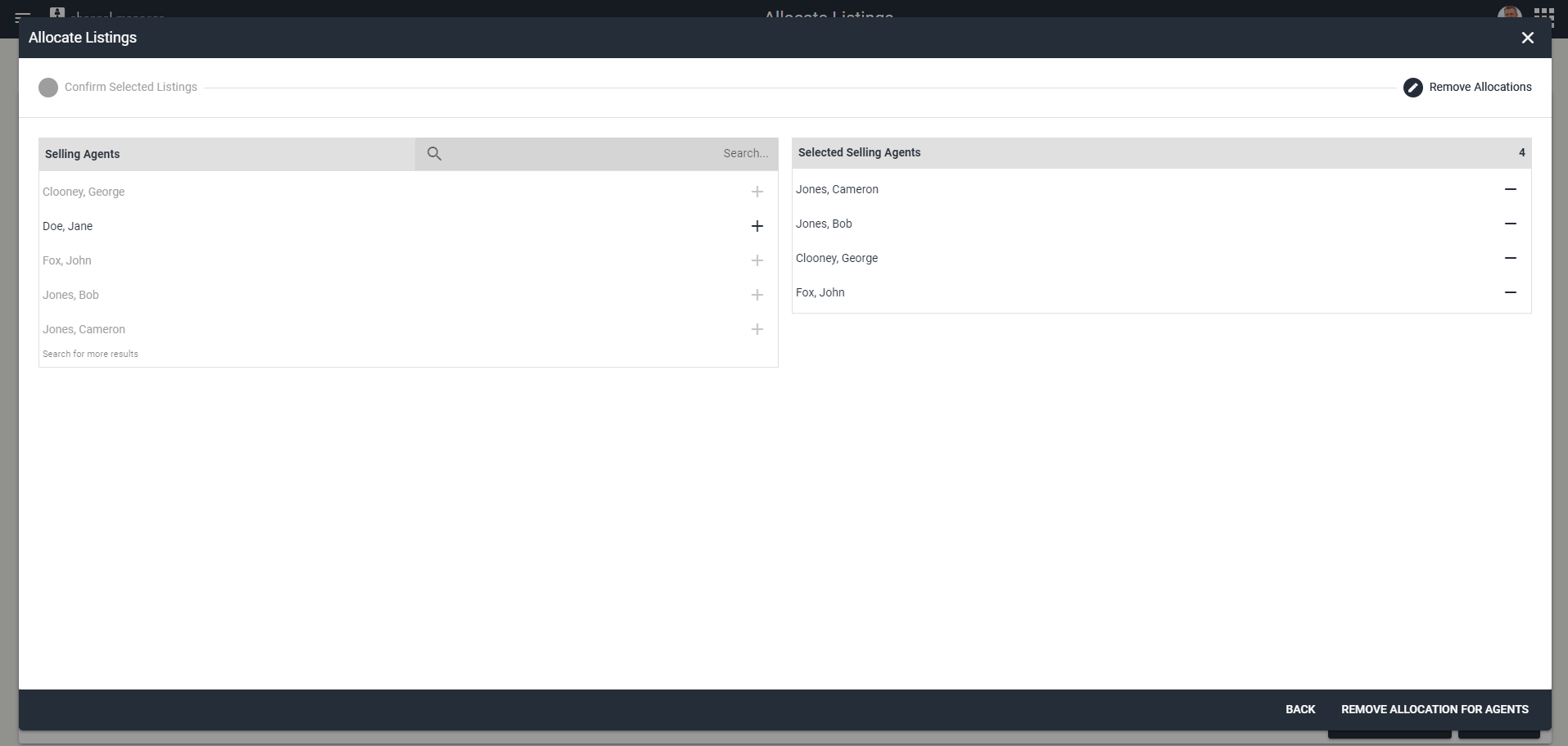
Listing Allocation
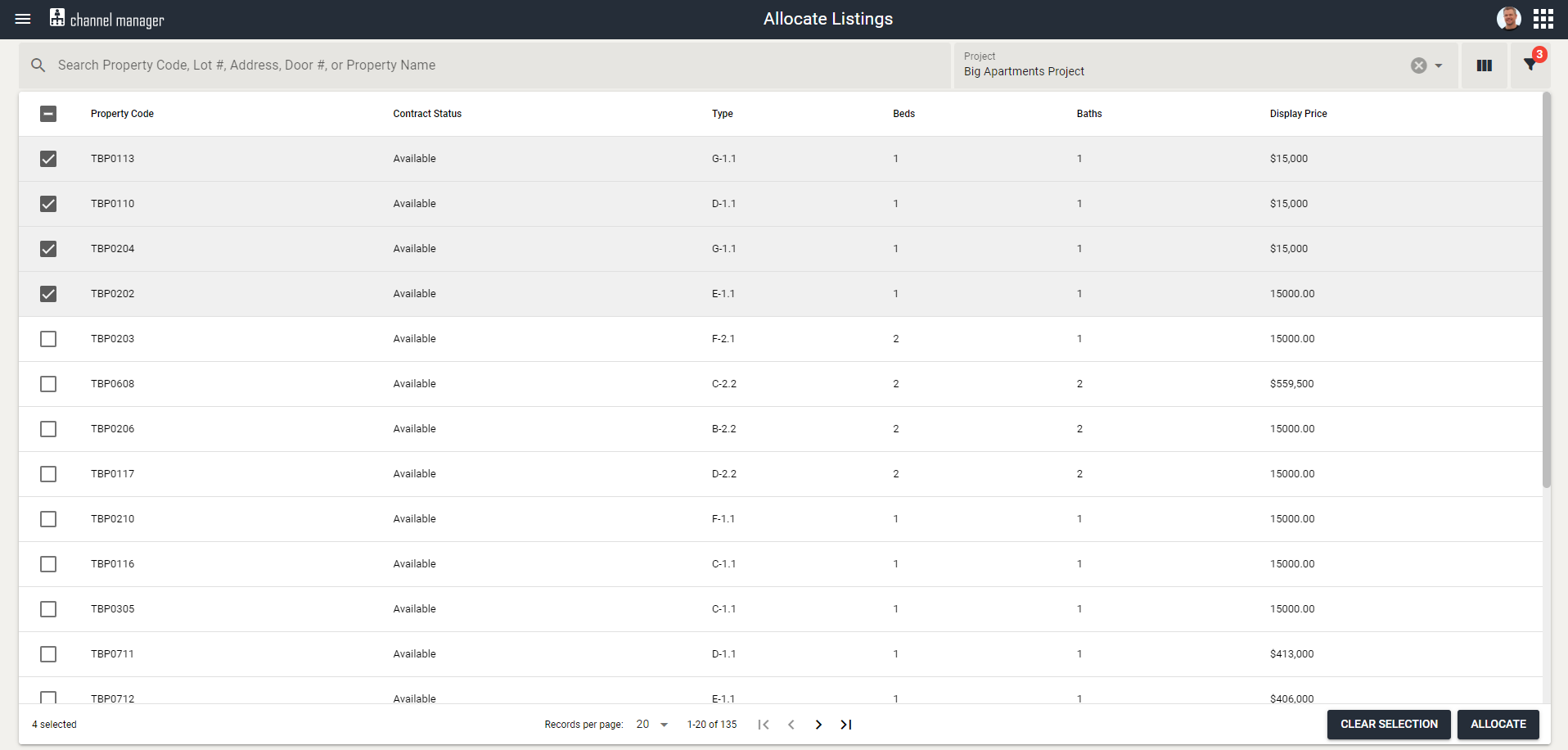
Add Allocations
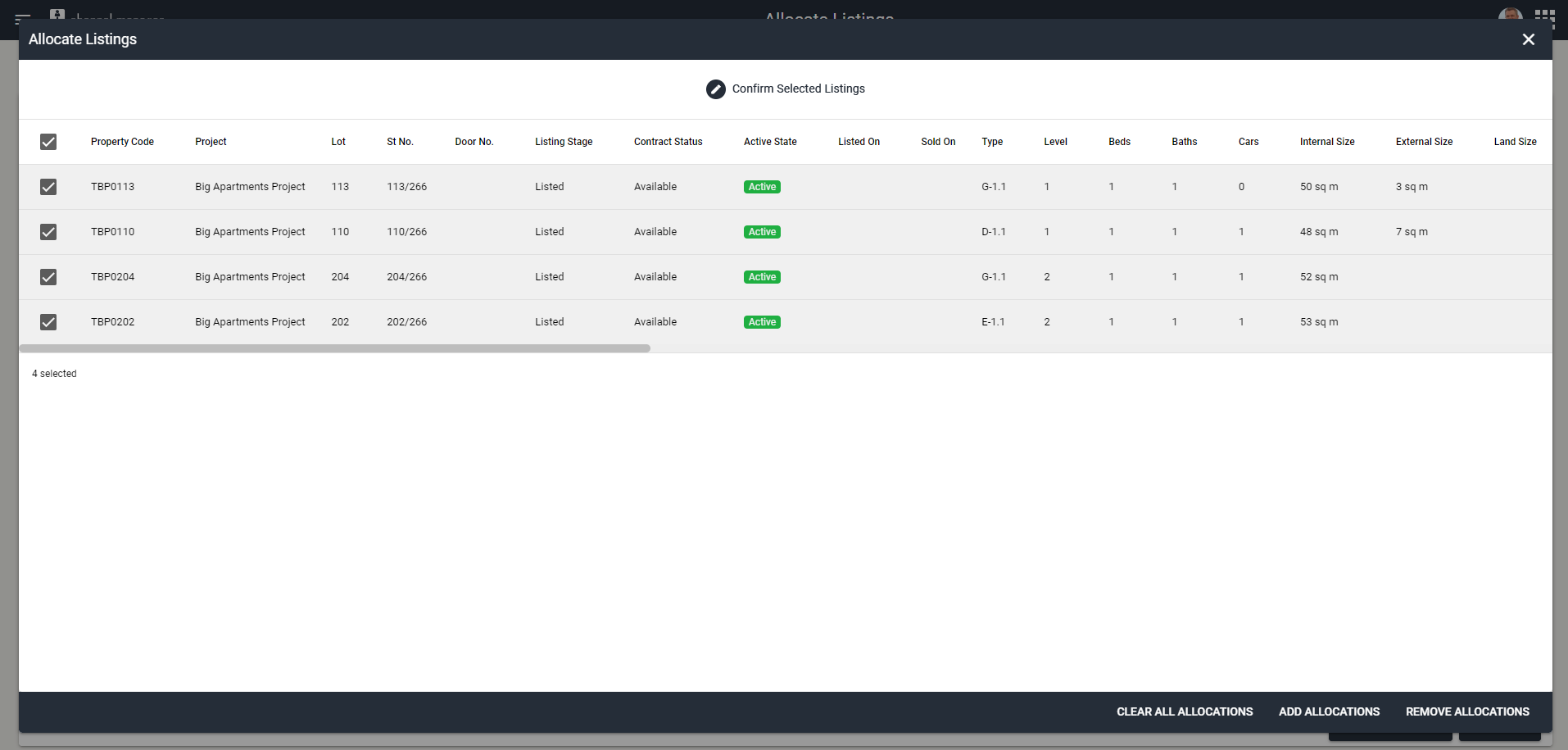
Remove Allocations